Linux Filesystem Hierarchy
Windows divides data into multiple drives (C:, D:, etc.), Linux follows a structured, single-rooter system.
Root directory (/)
It contains all essential system directories, configuration files, and user data.
Everything in Linux is a file, whether it’s a text document, a directory, a hardware device, or a running process.
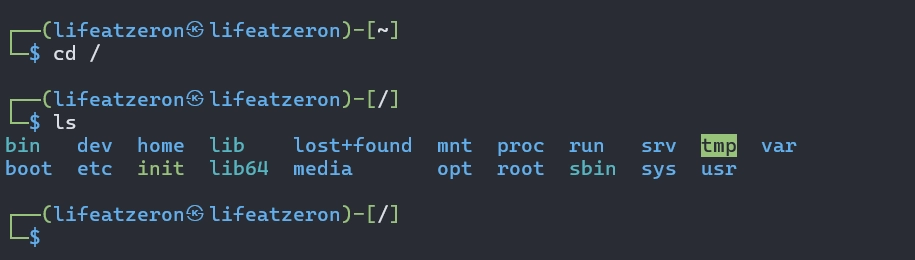
- /bin – stands for binaries
This directory stores essential system executables required for basic operations. Few commands examples are:-
ls, cp, mv, grep, cat, echo, rm
- /sbin – stands for system binaries
Here all administrative commands reside for system management and available only for root privileges. Few examples are:-
shutdown, reboot, fsck, fdisk, iptables, mkfs
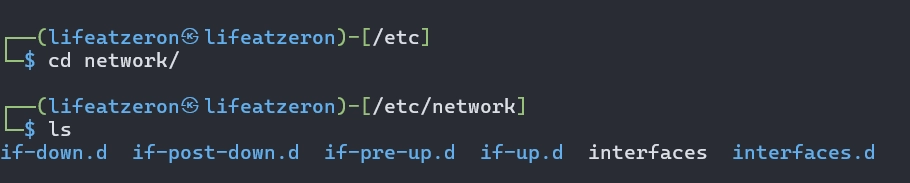
- /etc – your configuration files
If you ever prepare a nginx server or apache then you know this area as the configurations are done here. All system-wide configuration files and scripts live here. If you want to modifiy files here it required administrative privileges. Few examples are:-
/etc/fstab – defines file system mount point
/etc/passwd – stores user account information
- /home – User Home directory
Put your personal files here and its for each user — each user gets their own space: /home/{username}/

This directory contains:-
Documents, Downloads, Pictures, Videos, .bashrc (custom shell configurations)
- /root – Root user’s Home Directory
Your superuser (root) home directory. It provides a secure workspace, separate from standard user directories.
NEVER, I said never use root for daily tasks! I already feel bad after not listening to this warning in my college days in year 2013.
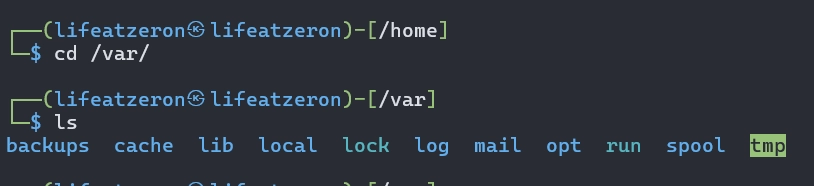
- /var – variable data
Confused! No worries. This directory mainly stores your frequently changing files, such as logs, database and cache.
- /tmp – temporary files
Stores temporary files created by your running applications and the system. And often cleared out automatically on reboot. So, don’t put any important file here.
- /usr – user applications and libraries
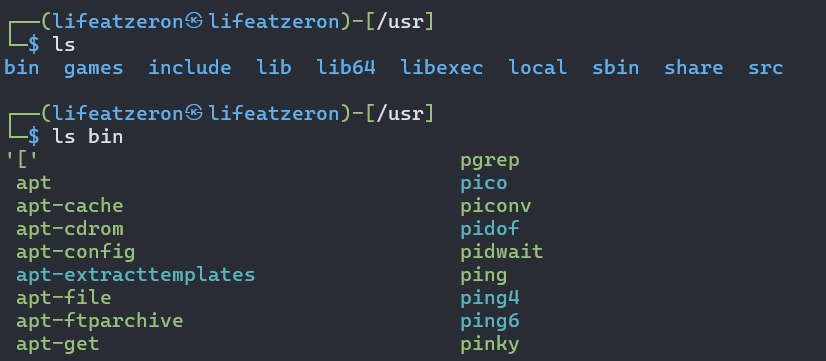
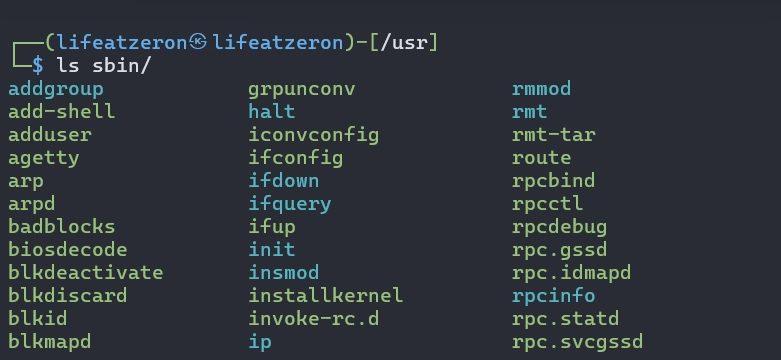
It is quite a big place for system-wide, read-only files. All your software installed via system repository package goes here.
/usr/bin/ – Common user apps (e.g., vim, nano, wget, apt)
/usr/sbin/ – System admin binaries (e.g, ipconfig)
/usr/local/ – Manually installed software by user
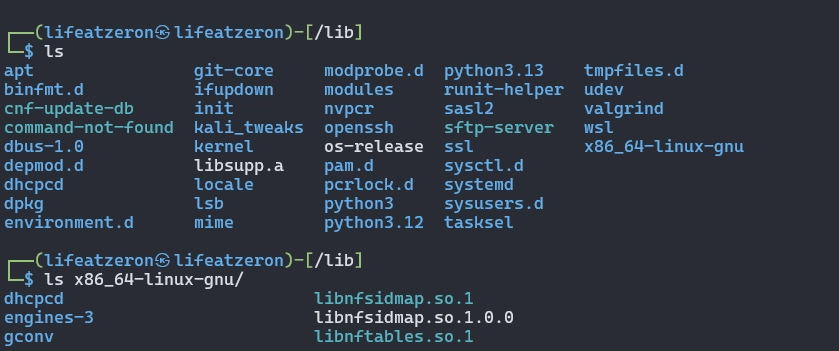
- /lib & /lib64 – System Libraries
This directory holds shared libraries (.so files) required by binaries in /bin and /sbin
- /opt – Optional Software
You want to install commercial apps like Google Chrome, Oracle Java, etc., everything goes here (for 3rd party software)
- /mnt & /media – Mount Points
Inject your pen drive, CDs or SD cards and you will see mounted devices here.
- /dev – Device files
Special files representing hardware devices
- /proc & /sys – Kernel and Process Information
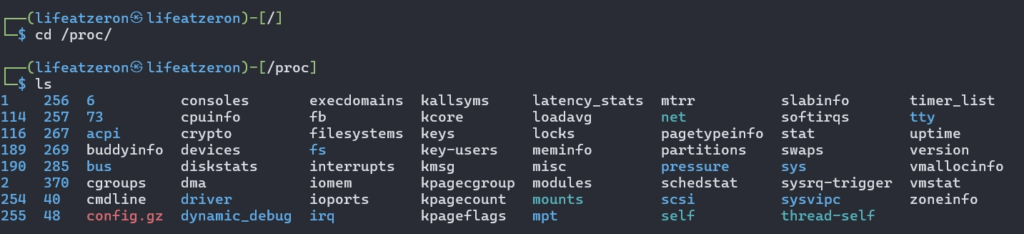
/proc/ few examples are:-
/proc/cpuinfo – system CPU details
/proc/meminfo – system memory usage
/sys/ – exposes kernel and hardware configurations.
- /run – Runtime Data
stores volatile runtime data that is created by the system while it is running. Content disappear after reboot.

- /srv – Service Data
This directory contains data served by system services. You can think of this place where server applications store the data they provide to clients.
- /lost+found – Recovered Files
Used by the fsck utility for recovering lost files and appears in each partition with a Linux filesystem.